22 October, 2026
Thursday
Ai
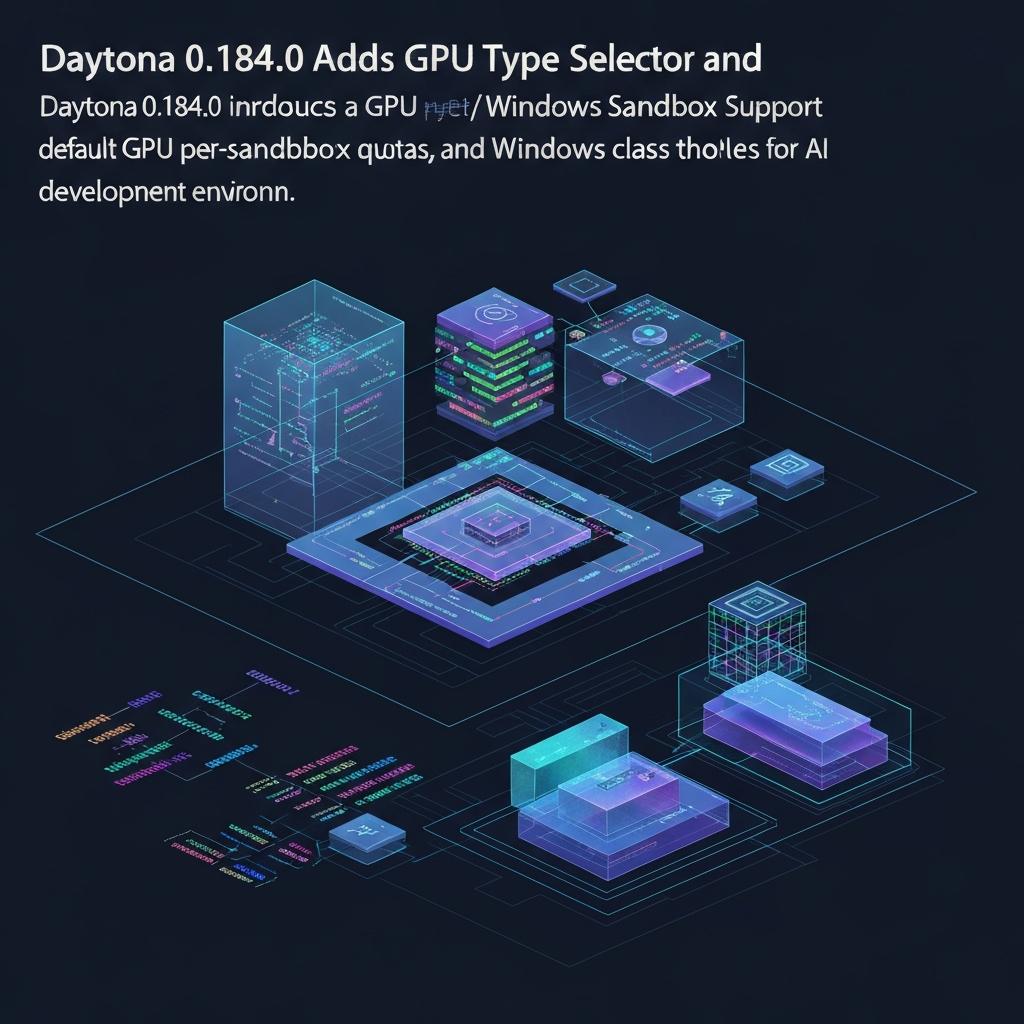
Daytona 0.184.0 Adds GPU Type Selector and Windows Sandbox Support
Daytona 0.184.0 Adds GPU Type Selector and Windows Sandbox Support
Daytona just shipped version 0.184.0, and it’s a big one for AI developers who need flexible GPU management and cross-platform sandbox support. The open-source development environment platform now lets you pick exactly which GPU type your sandbox uses, sets default per-sandbox GPU quotas on new regions, and even spins up Windows-based sandboxes. It’s a clear signal that Daytona is betting on heterogeneous AI workloads.
What Changed
The headline feature is a GPU type selector. Previously, you got whatever GPU the orchestrator assigned. Now you can specify the exact model — think A100 versus H100 versus older cards. That’s paired with default GPU quotas on new region quotas, so admins can cap how many GPUs a single sandbox consumes out of the box. No more surprise bills or resource hogging.
Another big addition: Windows sandbox class. Yes, Windows. Daytona’s dashboard and API now support provisioning Windows-based environments. That’s huge for teams running .NET, game development on Unreal Engine, or legacy Windows apps. The dashboard also got a performance boost with route-based bundle splitting, so pages load faster.
And finally, GPU documentation got a refresh. The team updated the docs to reflect all these changes — important because developer experience hinges on clear guides.
Why It Matters
Right now, AI infrastructure is a mess of manual GPU allocation. Most platforms treat GPUs as a monolithic resource. Daytona’s move to a type selector is like letting a chef choose between a convection oven and a microwave — it’s about matching the tool to the job. For example, training a small model? An older GPU might suffice. Inference? You want the latest tensor cores. This granularity cuts costs and improves utilization.
Windows support is just as strategic. Daytona has been Linux-first, but enterprise AI isn’t all Linux. Many data scientists still use Windows for development, and cross-platform CI/CD requires Windows nodes. By adding Windows sandbox class, Daytona removes a barrier for large organizations that mandate Windows. It’s a wedge into the enterprise.
I’ll be honest: this update feels like Daytona is listening. The GPU selector and quotas address a common pain point I’ve heard from DevOps teams — they need control without a heavy management layer. The execution is lean. No new dashboards or workflows, just smart defaults and a dropdown. That’s good engineering.
One caveat: Windows sandbox support is listed as a feature, but its stability isn’t clear yet. Early adopters should test carefully. Still, directionally, this is the right play for a platform aiming to be the universal dev environment for AI.
Official Source: https://github.com/daytonaio/daytona/releases/tag/v0.184.0
Tags:
What's your reaction?
0

AWESOME!
0

LOVED
0

NICE
0

LOL
0

FUNNY
0

EW!
0

OMG!
0

FAIL!
Recent News

08 Aug 2026